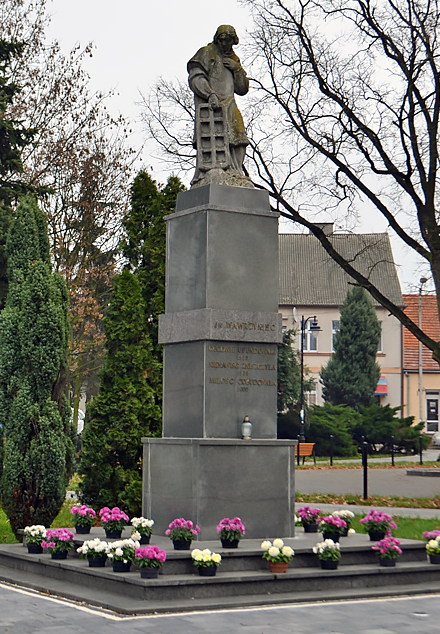
Pomnik Św. Wawrzyńca

Wawrzyniec to patron Gołańczy i miejscowego kościoła. Jeden z najbardziej znanych świętych w kościele katolickim. Jego kult zaczął się właściwie tuż po jego męczeńskiej śmierci. Świątynia pod jego wezwaniem istniała w Gołańczy od 1361 roku, a o pomniku myślano tu przez wieki.

Wykonanie pomnika stało się możliwe dopiero po odzyskaniu przez Polskę niepodległości w 1918 roku. Uchwałę o budowie figury tutejsza Rada Miejska podjęła we wrześniu 1923 r. W końcu dwumetrową rzeźbę świętego Wawrzyńca z piaskowca wyrzeźbił Marcin Rożek - ten sam wybitny rzeźbiarz, który wykonał pomnik Chrystusa Króla w Poznaniu i Bolesława Chrobrego przed katedrą gnieźnieńską. Święty Wawrzyniec stanął tu po raz pierwszy i został poświęcony 9 sierpnia 1925 r.

Gdy zaczęła się II wojna światowa, to Niemcy zniszczyli pomnik. Jego los przez lata był nieznany. Dopiero na 600-lecie miasta, czyli pod koniec XX wieku, okazało się, że część rozbitej figury świętego przechowywana jest w miejscowym kościele. Wtedy zapadły decyzję, by pomnik odrestaurować. Odtworzenia figury podjęła się specjalizująca się w restauracji rzeźby firma Danuty i Jarosława Jaskolaków z Poznania, a cokół z granitu i piaskowca wykonała gołaniecka firma pana Benedykta Kubiaka. Finansowo prace wsparło województwo, powiat, mieszkańcy i lokalni przedsiębiorcy.
Pomnik Św. Wawrzyńca

Visit Social media:

Share Social media:

How it working

To listen to the history of monuments as part of the "Discover History" project, you need to follow a few simple steps. Below, we present a short, step-by-step "user manual" to provide a relatively simple way to access the mini-auditions.

STEP 1

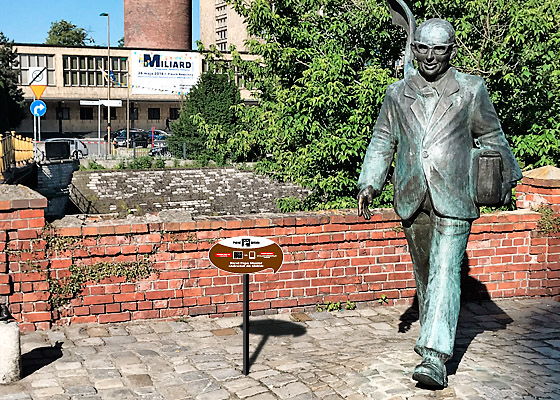
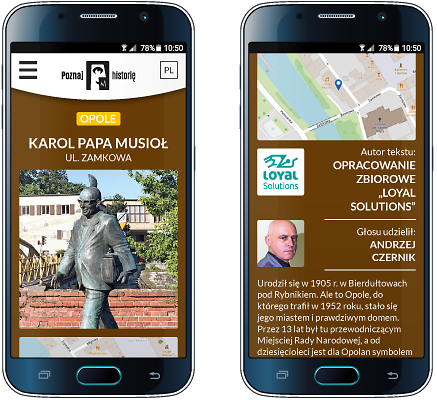
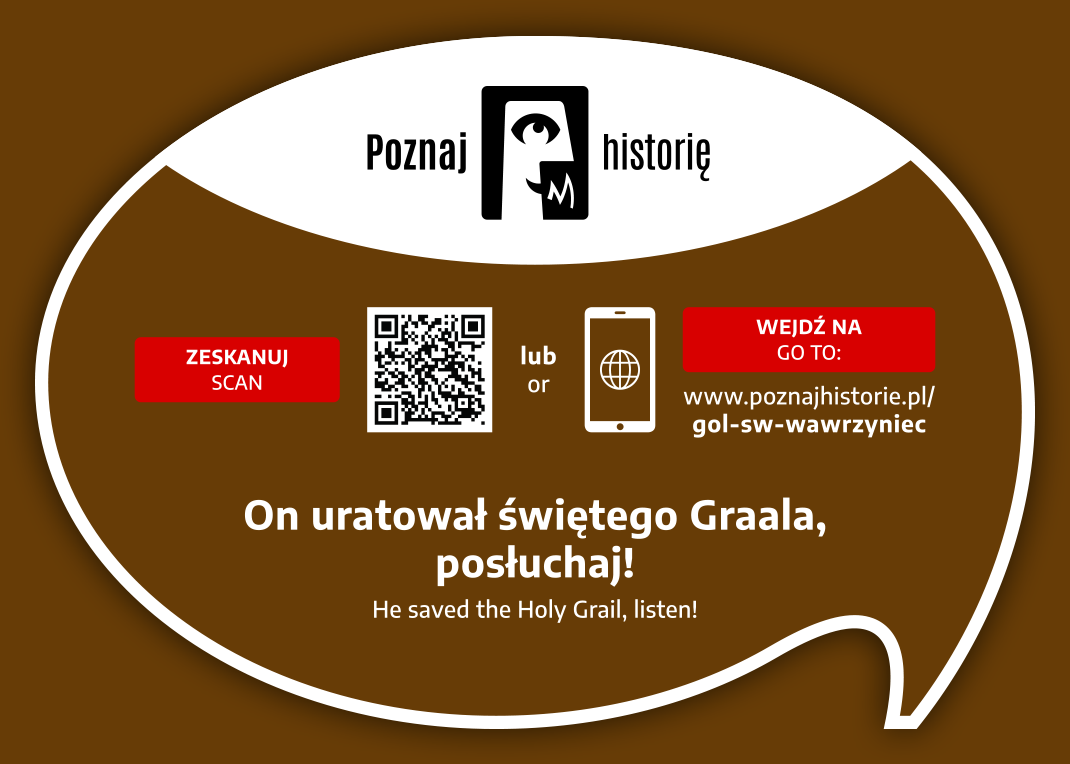
You need a smartphone with a camera. The camera lens should be pointed at the information plaque located next to the monument. Below is a view of the plaque itself and its example location next to the Karol Musioł monument in Opole.

STEP 2

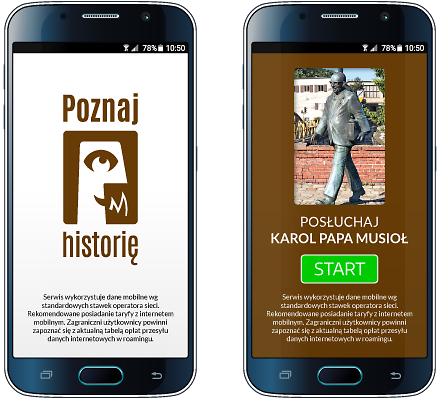
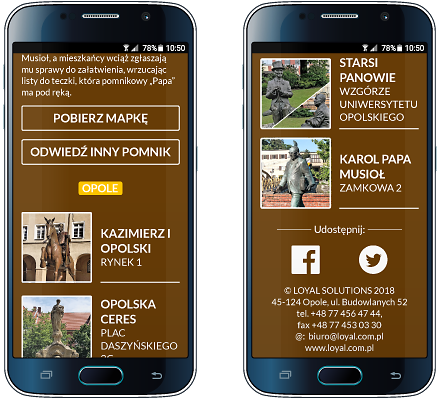
After pointing your smartphone's camera at the QR code located on the right side of the plaque, the app's welcome screen will appear, followed by a screen with the name, photo of the monument, and the "START" button.

STEP 3

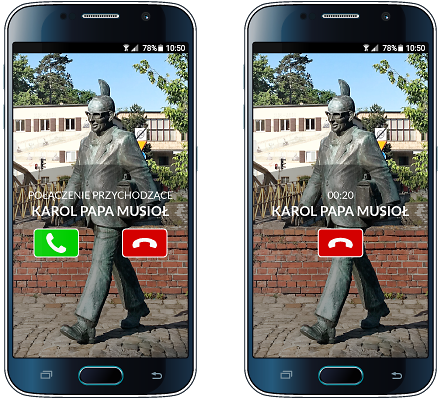
The "START" button starts the audio recording process.
Your smartphone will prompt you with the next steps after you listen to the story or pause it. Please keep an eye on your smartphone screen!

STEP 4

Other available options: brief information about the monument, author of the text and recording, list of other monuments in the city included in the "Discover History" project, downloadable map of monuments, video, and social media links


Would you like to implement the project in your city as well?

Contact

Project partners

Implementing the "Discover history" project in each city requires the involvement of many people: programmers, graphic designers, writers, actors, sound engineers, and coordinators. It is thanks to them that this project came to life.

Our ambition is to continually expand its reach. Therefore, we thank our current partners and invite additional cities, institutions, companies, and individuals to collaborate!


Would you like to become our Partner of the project or monument?

Contact

Contact

Are you interested in implementing the project in your city? Want to learn more? Want to learn more? Write to us, call us! We'll contact you and arrange a meeting. We'll prepare materials and a proposal for you.