Dwór, chociaż stosunkowo skromnie dekorowany z zewnątrz, w środku został bardzo gustownie urządzony. Ściany każdego pokoju pomalowano na inny kolor, pomieszczenia kosztownie umeblowano, a obicia mebli dostosowano do koloru ścian. W zameczku znalazł się również pokój zadedykowany Annie - pierwszej, młodo zmarłej żonie Bartelta. Właściciel kazał pomalować go na czarno – na znak wiecznej żałoby.
Ogrody, obfitujące w rzadkie i egzotyczne rośliny, powstały natomiast dzięki Ernestynie.
Park i zabudowania dworskie otoczono z trzech stron stawami. Pod koniec XIX wieku, podzielone były na cztery części, a woda z każdej z nich miała inne przeznaczenie.
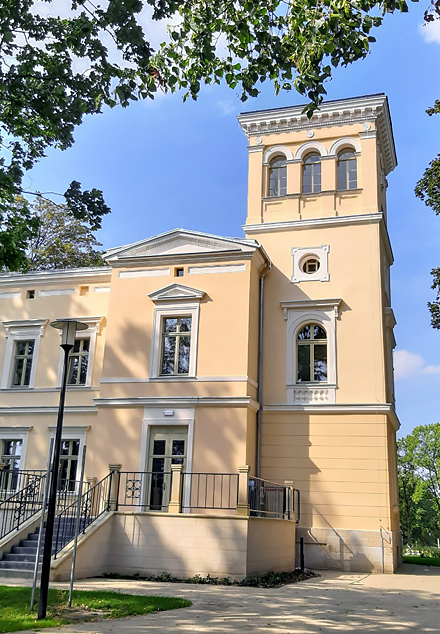
Podczas ostatniej rewitalizacji postarano się wiernie oddać pierwotny kształt zameczku wzorowanego na włoskich willach renesansowych. Projektanci wykorzystali w tym celu szereg archiwalnych zdjęć. Było warto, bo zameczek to prawdziwy unikat, który od stu lat pobudzał wyobraźnię. Znalazł się m.in. w prestiżowym albumie drezdeńskiego architekta i fotografa Roberta Webera „Schlesische Schlösser” z początku XX w. Album przedstawiał najpiękniejsze budowle rezydencjalne tamtych czasów na Śląsku.
Zamek w Leszczynach
Zameczek w Leszczynach wybudowano w latach 1882-1883 z inicjatywy Konrada Bartelta. Zadedykował go swojej drugiej żonie, Ernestynie. Świadczy o tym napis zachowany na cokole budynku w południowo-wschodnim narożniku.
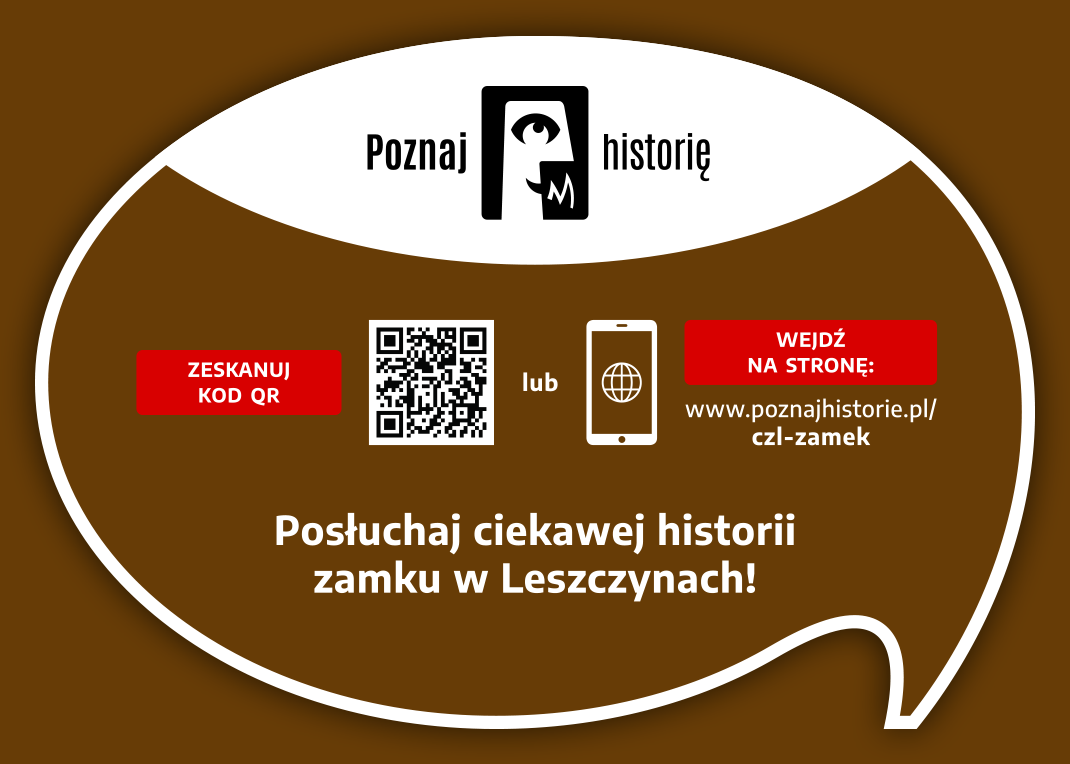
How it working
To listen to the history of monuments as part of the "Discover History" project, you need to follow a few simple steps. Below, we present a short, step-by-step "user manual" to provide a relatively simple way to access the mini-auditions.
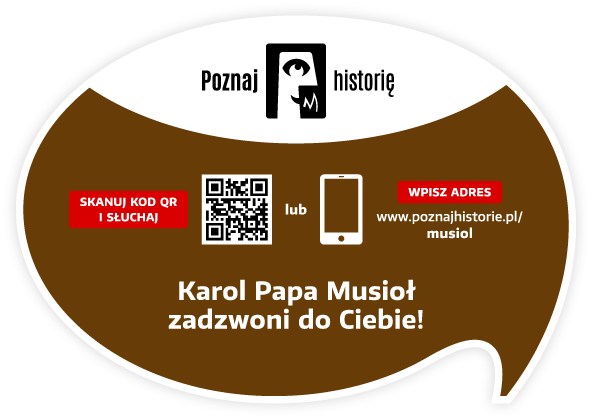
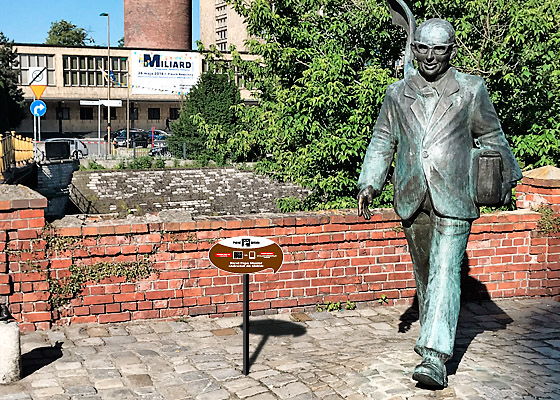
You need a smartphone with a camera. The camera lens should be pointed at the information plaque located next to the monument. Below is a view of the plaque itself and its example location next to the Karol Musioł monument in Opole.
After pointing your smartphone's camera at the QR code located on the right side of the plaque, the app's welcome screen will appear, followed by a screen with the name, photo of the monument, and the "START" button.
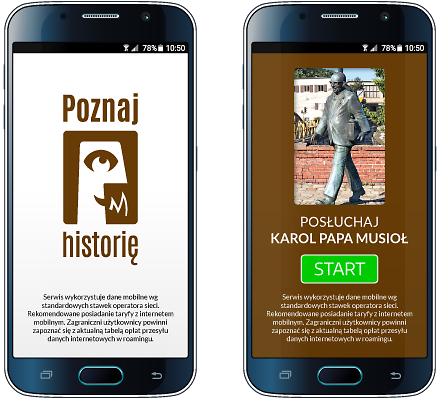
The "START" button starts the audio recording process.
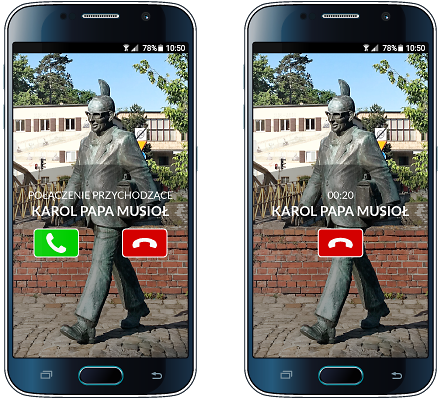
Your smartphone will prompt you with the next steps after you listen to the story or pause it. Please keep an eye on your smartphone screen!
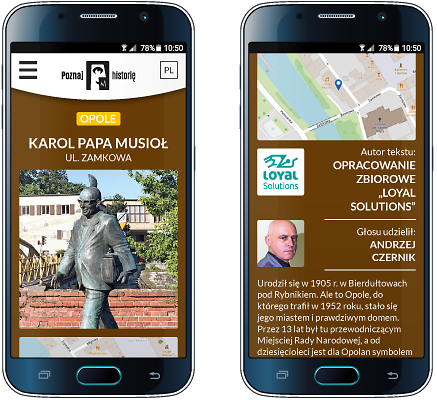
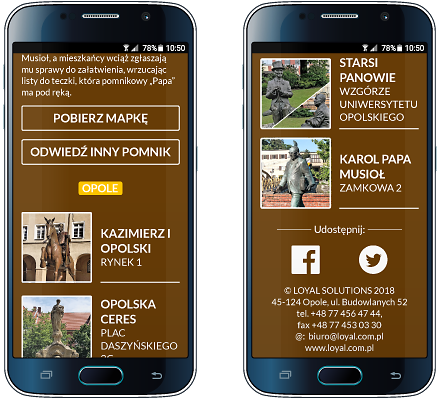
Other available options: brief information about the monument, author of the text and recording, list of other monuments in the city included in the "Discover History" project, downloadable map of monuments, video, and social media links
Would you like to implement the project in your city as well?
ContactView gallery
Monuments in cities remind us of the history of places and people, and allude to important events. They are also works of art. Bronze, metal, wood, or concrete transformed into the form of a monumental obelisk attract attention. We enjoy sitting by them, taking photos, and making appointments.
Project partners
Implementing the "Discover history" project in each city requires the involvement of many people: programmers, graphic designers, writers, actors, sound engineers, and coordinators. It is thanks to them that this project came to life.
Our ambition is to continually expand its reach. Therefore, we thank our current partners and invite additional cities, institutions, companies, and individuals to collaborate!

Would you like to become our Partner of the project or monument?
ContactContact
Are you interested in implementing the project in your city? Want to learn more? Want to learn more? Write to us, call us! We'll contact you and arrange a meeting. We'll prepare materials and a proposal for you.

QR Communication Sp. z o.o.
tel. +48 735 147 911
tel. +48 606 881 118
paulina.panusch@poznajhistorie.pl
kontakt@poznajhistorie.pl
Visit Social media:
Share Social media: