Sanktuarium Grobu Bożego

Wiekowa świątynia w Przeworsku to nie tylko kościół, lecz - co unikatowe - także sanktuarium i bazylika.  Znajduje się w niej jedna z niewielu na całym świecie, replika Grobu Bożego. To do niej właśnie od stuleci pielgrzymują chrześcijanie z całego świata.

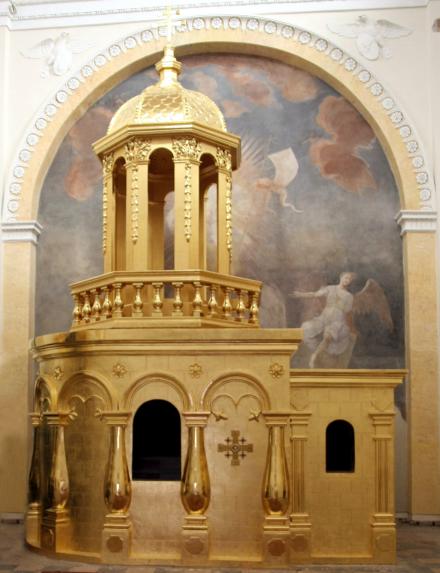
Grób Pański w Przeworskiej kaplicy został wzniesiony z cegły i składa się z dwóch części: przedsionka, zwanego „kaplicą anioła” i  właściwej komory grobowej. Wejście do niej prowadzi przez bogato zdobione odrzwia z czarnego marmuru z drzwiami z kutego żelaza. Na ścianach bocznych znajdują się ołtarze z XVIII wieku: „Złożenie do Grobu” oraz „Niewiasty i uczniowie przy pustym Grobie”. Ciekawostką jest, że na ścianie zewnętrznej grobu wkomponowano złoty relikwiarz w kształcie krzyża jerozolimskiego. Zawiera on kamień z grobu Chrystusa w Jerozolimie.

Budowę sanktuarium rozpoczęto za prepozytora ks. Michała Sławińskiego w roku 1692. Prace kontynuowali potem jego następcy. Za datę ukończenia przyjmuje się moment konsekracji w 1727 roku. Zresztą podobnie jak świątynię Jerozolimską, tę Przeworską także wielokrotnie przebudowywano. Obecnie kaplica przeżywa swój renesans. Corocznie organizuje się tu Święto Grobu Chrystusa. Dzieje się to w trzecią niedzielę wielkanocną.
Sanktuarium Grobu Bożego

Visit Social media:

Share Social media:

How it working

To listen to the history of monuments as part of the "Discover History" project, you need to follow a few simple steps. Below, we present a short, step-by-step "user manual" to provide a relatively simple way to access the mini-auditions.

STEP 1

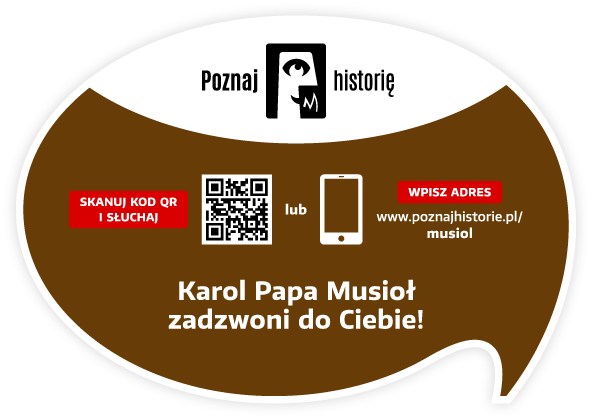
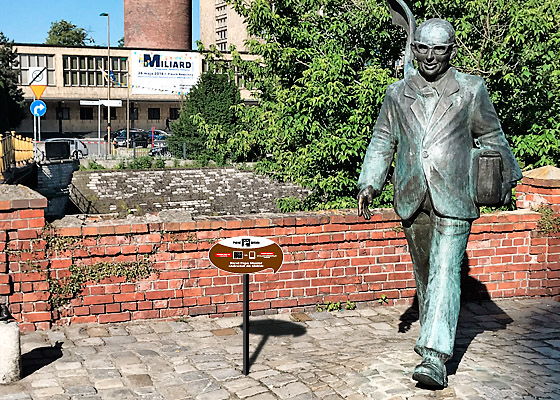
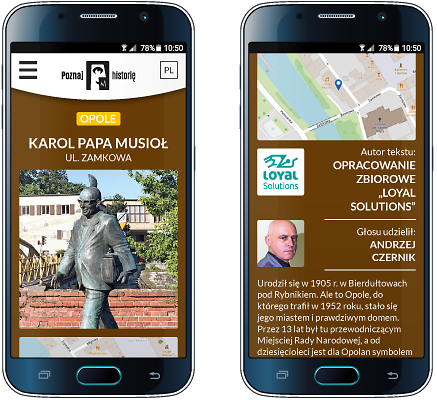
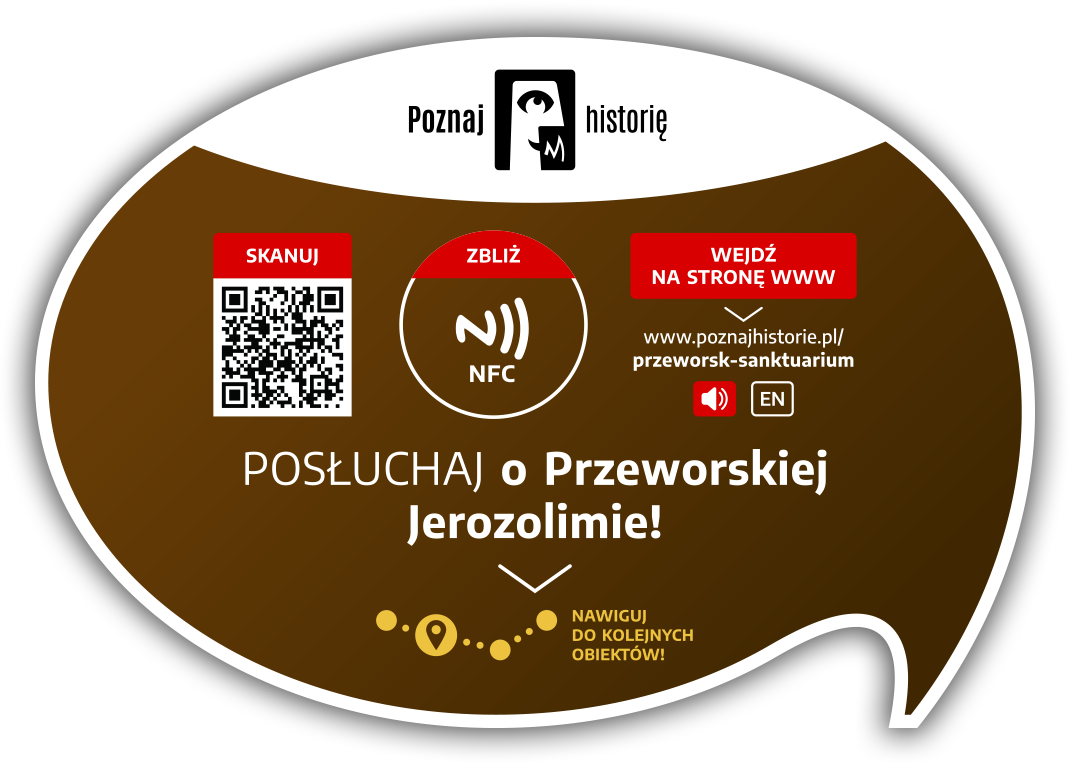
You need a smartphone with a camera. The camera lens should be pointed at the information plaque located next to the monument. Below is a view of the plaque itself and its example location next to the Karol Musioł monument in Opole.

STEP 2

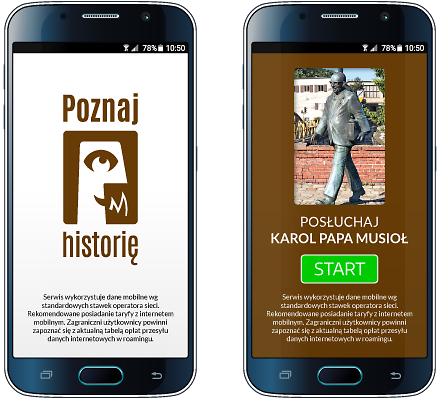
After pointing your smartphone's camera at the QR code located on the right side of the plaque, the app's welcome screen will appear, followed by a screen with the name, photo of the monument, and the "START" button.

STEP 3

The "START" button starts the audio recording process.
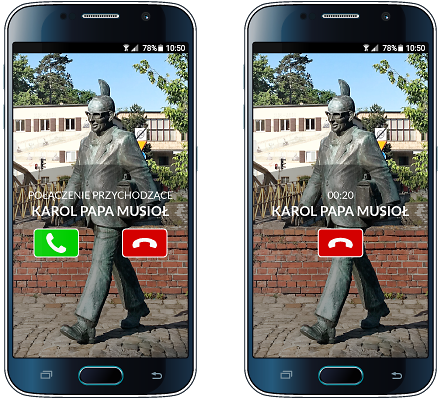
Your smartphone will prompt you with the next steps after you listen to the story or pause it. Please keep an eye on your smartphone screen!

STEP 4

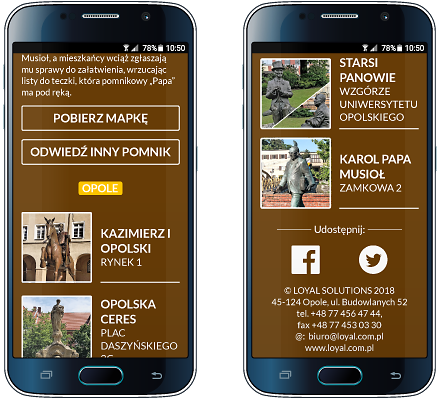
Other available options: brief information about the monument, author of the text and recording, list of other monuments in the city included in the "Discover History" project, downloadable map of monuments, video, and social media links


Would you like to implement the project in your city as well?

Contact

Project partners

Implementing the "Discover history" project in each city requires the involvement of many people: programmers, graphic designers, writers, actors, sound engineers, and coordinators. It is thanks to them that this project came to life.

Our ambition is to continually expand its reach. Therefore, we thank our current partners and invite additional cities, institutions, companies, and individuals to collaborate!


Would you like to become our Partner of the project or monument?

Contact

Contact

Are you interested in implementing the project in your city? Want to learn more? Want to learn more? Write to us, call us! We'll contact you and arrange a meeting. We'll prepare materials and a proposal for you.