Kościół pw. Matki Boskiej Szkaplerznej

Kościół pw. Matki Boskiej Szkaplerznej znajduje się w Żarach, w dzielnicy Kunice. Jest to rzymskokatolicki kościół parafialny, który posiada bogatą historię oraz charakterystyczną architekturę.

Świątynia wznosi się w Kunicach, dawnej osadzie o tradycjach przemysłowych (związanych m.in. z przemysłem szklarskim i włókienniczym), która z czasem stała się częścią Żar.
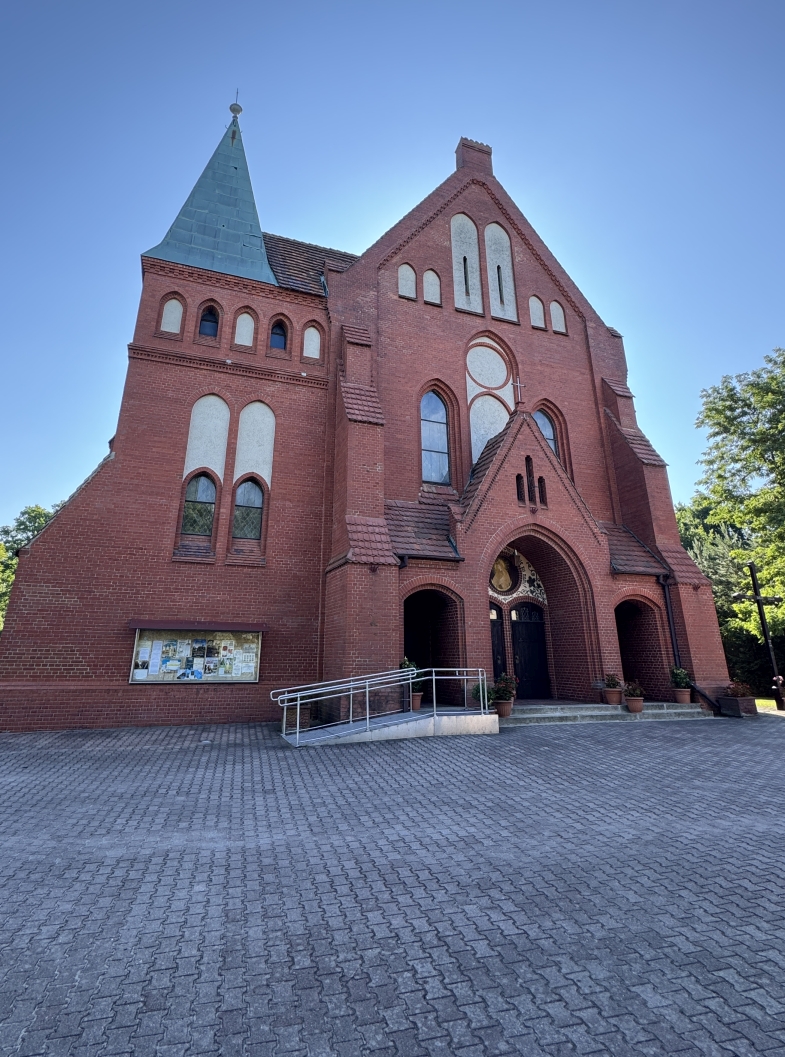
Kościół reprezentuje styl neogotycki. Został wzniesiony pod koniec XIX wieku (często datuje się go na lata 1895–1896) pierwotnie jako świątynia ewangelicka. Dopiero po II wojnie światowej, w wyniku zmian demograficznych i wysiedlenia ludności niemieckiej, obiekt został przejęty przez Kościół katolicki i konsekrowany na cele kultu rzymskokatolickiego.

Jest to budowla murowana z czerwonej cegły, co jest niezwykle charakterystyczne dla dziewiętnastowiecznej architektury sakralnej w tym regionie. Posiada strzelistą wieżę zwieńczoną iglicą, która dominuje nad panoramą Kunic.

W kościele tym znajduje się oryginalny ołtarz i ambona z kaplicy zamkowej, przed którym Telemann wziął ślub. Po wybudowaniu Pałacu Promnitzów kaplica została przeniesiona w inne miejsce i wbudowana w bryłę Pałacu. Ambona i ołtarz manierystyczny został sprzedany dla wsi Kunice, gdyż nie pasował do barokowego pałacu. 
Kościół pw. Matki Boskiej Szkaplerznej

Visit Social media:

Share Social media:

How it working

To listen to the history of monuments as part of the "Discover History" project, you need to follow a few simple steps. Below, we present a short, step-by-step "user manual" to provide a relatively simple way to access the mini-auditions.

STEP 1

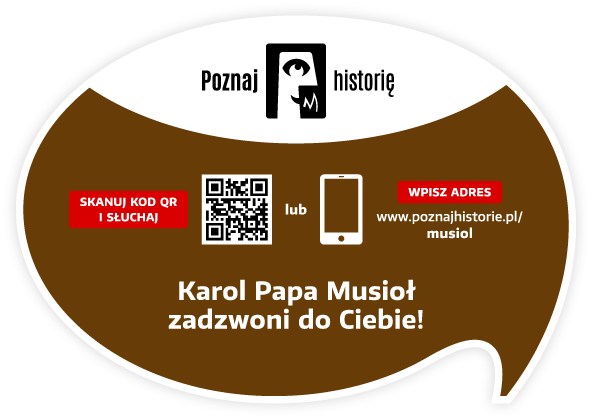
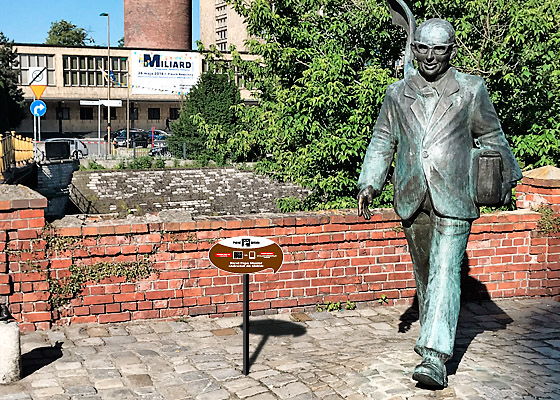
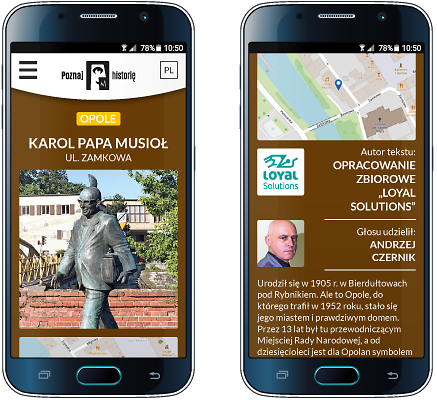
You need a smartphone with a camera. The camera lens should be pointed at the information plaque located next to the monument. Below is a view of the plaque itself and its example location next to the Karol Musioł monument in Opole.

STEP 2

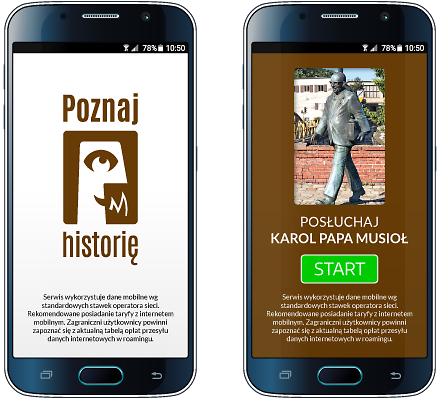
After pointing your smartphone's camera at the QR code located on the right side of the plaque, the app's welcome screen will appear, followed by a screen with the name, photo of the monument, and the "START" button.

STEP 3

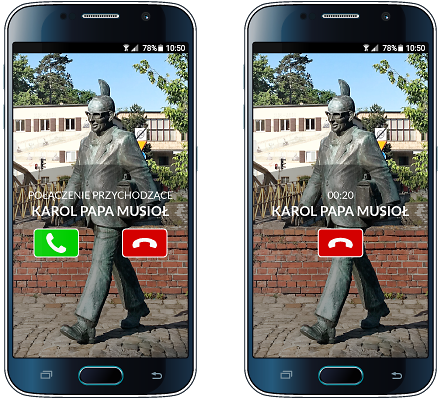
The "START" button starts the audio recording process.
Your smartphone will prompt you with the next steps after you listen to the story or pause it. Please keep an eye on your smartphone screen!

STEP 4

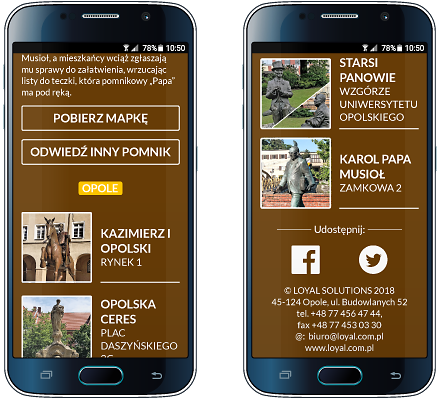
Other available options: brief information about the monument, author of the text and recording, list of other monuments in the city included in the "Discover History" project, downloadable map of monuments, video, and social media links


Would you like to implement the project in your city as well?

Contact

Project partners

Implementing the "Discover history" project in each city requires the involvement of many people: programmers, graphic designers, writers, actors, sound engineers, and coordinators. It is thanks to them that this project came to life.

Our ambition is to continually expand its reach. Therefore, we thank our current partners and invite additional cities, institutions, companies, and individuals to collaborate!


Would you like to become our Partner of the project or monument?

Contact

Contact

Are you interested in implementing the project in your city? Want to learn more? Want to learn more? Write to us, call us! We'll contact you and arrange a meeting. We'll prepare materials and a proposal for you.